Last updated: August 16, 2025
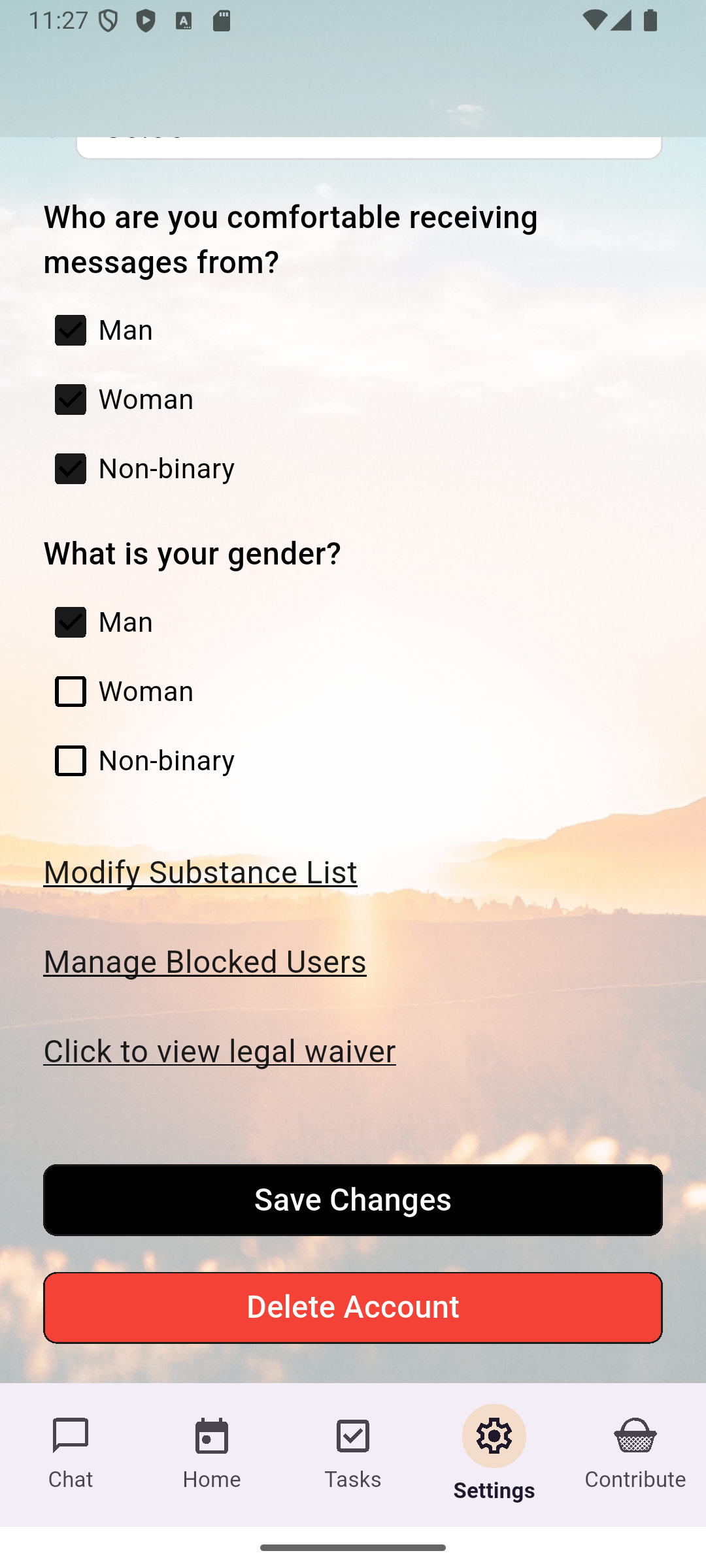
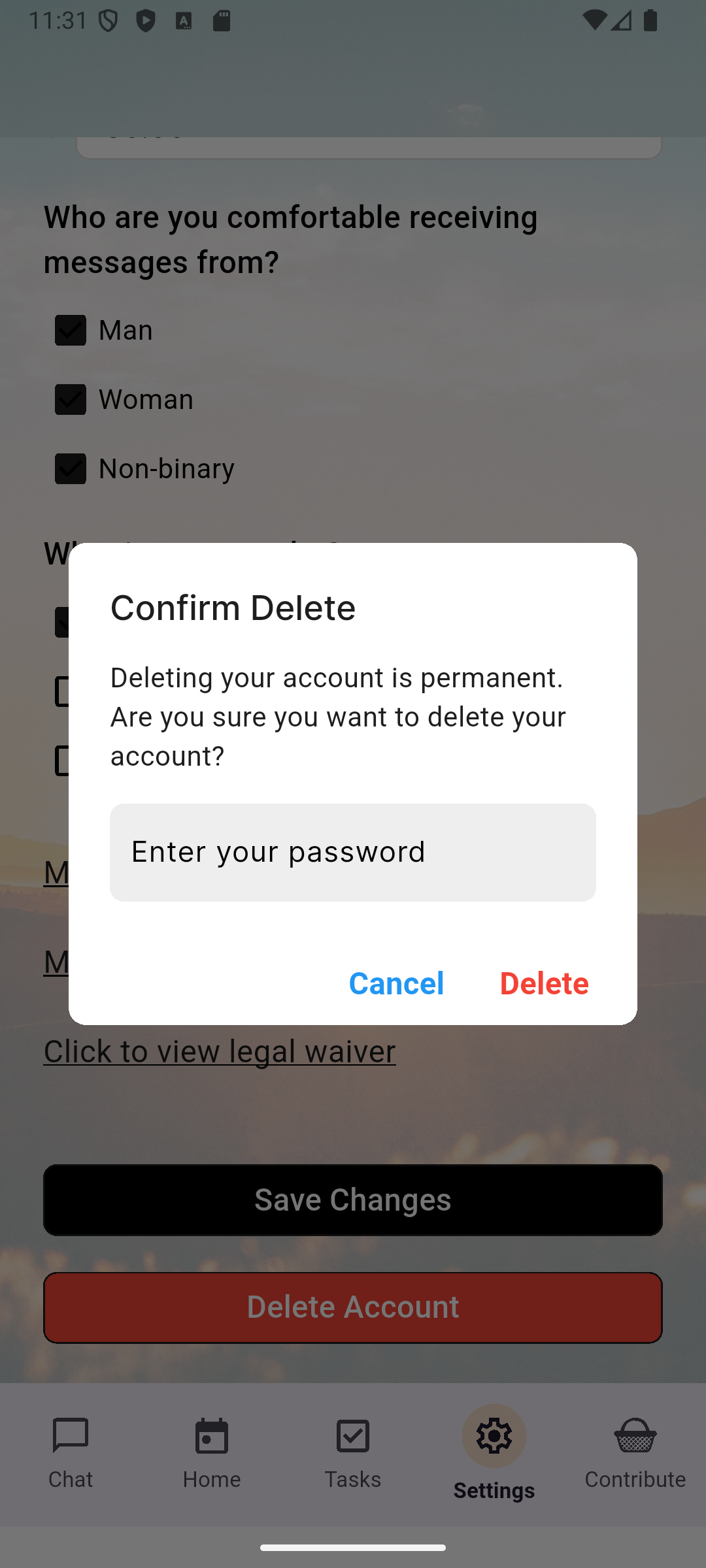
You can delete your Sponserity account directly from within the app. This will remove your personal profile and permanently disable login access.
Follow these steps:
If you would like to request the deletion of specific data (e.g. chat transcripts or profile content) without closing your account entirely, you may do so by emailing us:
Account deletions are typically processed immediately, though residual backups may take up to 7 days to be purged. De-identified content already used in aggregate research may not be removed, as it contains no identifying information.
If you encounter any problems or have questions about this process, please contact our team at:
support@sponserity.com